Most business owners only think about email deliverability at the worst possible moment — when a customer says "I never got your quote," or when a supplier rings to ask why you emailed them requesting a change of bank details, and you didn't.
Both problems come from the same place. If your domain isn't properly configured, mail providers have no reliable way to tell your genuine email from someone pretending to be you. So they either quietly bin the real stuff, or they let the fake stuff through.
The good news is that the fix is largely a one-off job in your DNS settings, and it costs nothing but time.
What "spoofing" actually means
Email was designed in an era when nobody expected people to lie. The "From" address on a message is just text — anyone can type anything into it. There is no built-in check that the person sending the mail has any connection to the domain they claim to be sending from.
That's how business email compromise works. A scammer sends an invoice from what looks like accounts@yourcompany.ie, addressed to your customer, with their own bank details on it. Your customer pays. Nobody notices until the real invoice goes unpaid weeks later.
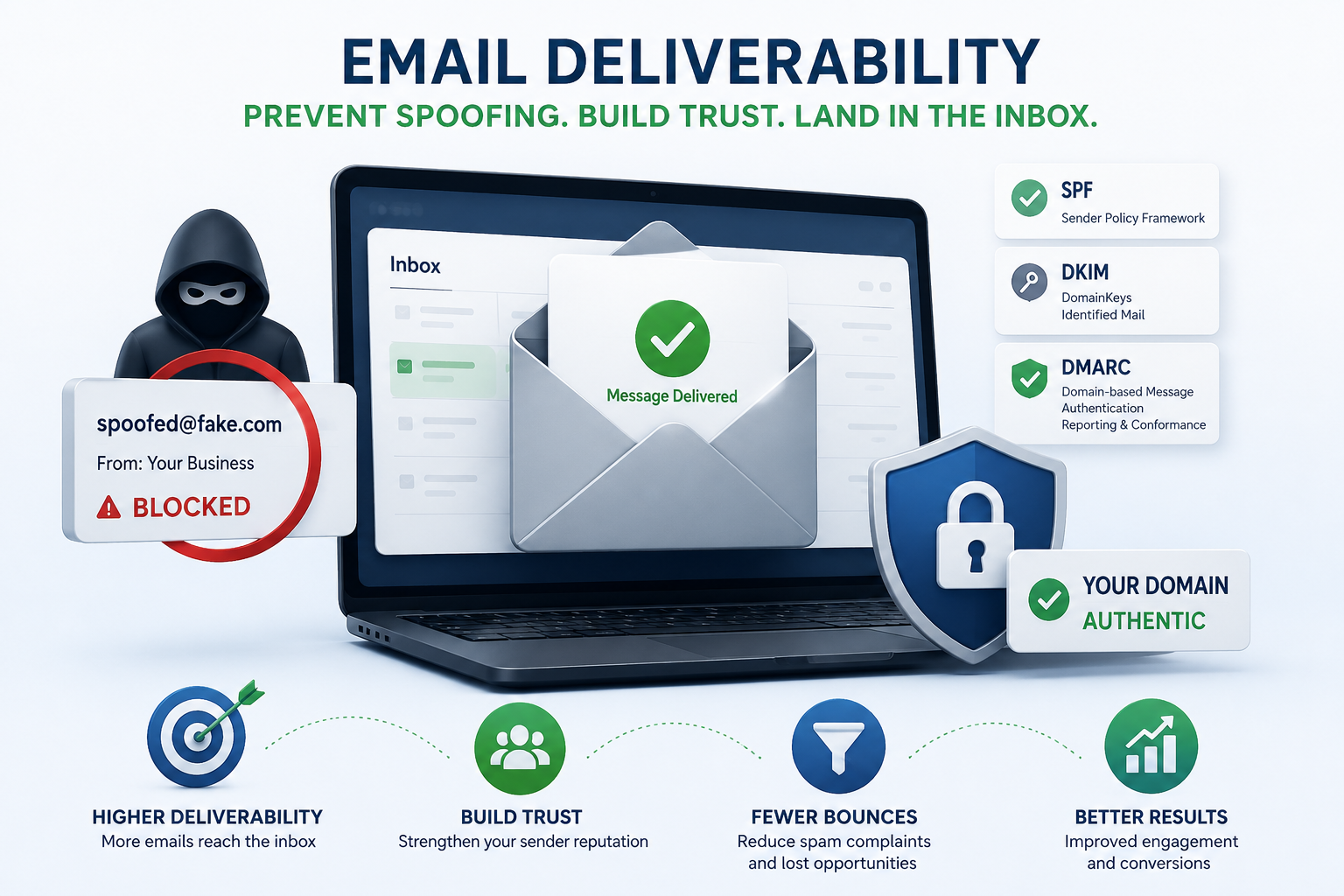
Three DNS records exist to close that gap.
The three records that do the heavy lifting
SPF — who is allowed to send on your behalf
SPF (Sender Policy Framework) is a list. It tells the world which mail servers are permitted to send email using your domain — Microsoft 365, Google Workspace, your website's contact form, your accounts package, your mailing list tool.
A typical record looks like this:
v=spf1 include:spf.protection.outlook.com -all
The -all at the end matters. It means "and nobody else." A lot of SMEs have ~all instead, which effectively means "and nobody else, but do let them through anyway." That's a soft fail, and it does far less than people assume.
One common trap: SPF has a hard limit of ten DNS lookups. Add enough services and the record silently breaks. If you've bolted on a few tools over the years, this is worth checking.
DKIM — a signature that proves nothing was tampered with
DKIM (DomainKeys Identified Mail) adds a cryptographic signature to every message you send. The receiving server looks up your public key in DNS and verifies it. If the signature checks out, the message genuinely came from your domain and wasn't altered in transit.
Microsoft 365 and Google Workspace both support DKIM, but in Microsoft 365 it isn't fully enabled for your custom domain by default — you have to publish two CNAME records and switch it on. Plenty of businesses assume it's automatic. It isn't.
DMARC — the instruction that ties it together
DMARC is where the real protection sits. It does two things: it tells receiving servers what to do with mail that fails SPF and DKIM checks, and it sends you reports on who is sending email as you.
Policies come in three strengths:
- p=none — monitor only. Nothing is blocked. This is where you start.
- p=quarantine — failing mail goes to junk.
- p=reject — failing mail is refused outright.
Most SMEs I look at either have no DMARC record at all, or have one sitting on p=none from three years ago. That second case is the frustrating one, because the record exists, the box appears ticked, and the domain is still wide open to spoofing.
The path is straightforward: publish p=none, read the reports for four to six weeks, fix whatever legitimate services are failing, then move to p=quarantine, then to p=reject.
Why this became urgent
Until recently, this was best practice you could put off. It isn't any more.
In February 2024, Google and Yahoo introduced enforced requirements for anyone sending more than 5,000 messages a day to their users: SPF, DKIM, a DMARC record, one-click unsubscribe on marketing mail, and a spam complaint rate below 0.3%. Microsoft followed in May 2025 with equivalent rules for Outlook.com, Hotmail and Live.com addresses, with enforcement beginning that autumn.
Technically those thresholds only bite above 5,000 messages a day, and most Irish SMEs are nowhere near that. But the filtering systems don't operate as two separate tiers. Authentication has become a standard trust signal, and unauthenticated mail from small domains is treated with more suspicion than it was two years ago.
Deliverability isn't only about DNS
Authentication gets you considered. It doesn't guarantee the inbox. A few other things matter:
- Don't send marketing from your main domain. Use a subdomain like
news.yourcompany.ieso a bad campaign can't damage the reputation of your invoicing and quoting email. - Clean your list. Repeatedly emailing dead addresses is one of the fastest ways to hurt your sending reputation.
- Warm up new domains slowly. A brand new domain sending 2,000 messages on day one looks exactly like a spammer.
- Watch your content. Link shorteners, image-only emails and mismatched display names all push you towards the junk folder.
- Check your own bounces. If mail to one particular customer keeps failing, the problem is often their filter, not yours — and a quick call gets you allowlisted.
Honest caveats
DMARC at p=reject is not a magic shield. It stops direct spoofing of your exact domain, and that's a genuine and significant win. It does nothing about lookalike domains — yourcompany-ie.com instead of yourcompany.ie — which are cheap to register and just as effective against a distracted accounts payable clerk.
There's also a real risk in moving to enforcement too quickly. If you jump to p=reject before identifying every legitimate service that sends on your behalf, you will block your own booking confirmations or invoice emails and not find out for days. The monitoring phase exists for a reason. Don't skip it.
Finally, DMARC reports arrive as raw XML and are close to unreadable by hand. There are free tiers on the main reporting platforms that make them legible, and they're worth using.
Where to start
If you want to know where you stand right now, check your domain against any of the free public SPF/DKIM/DMARC lookup tools. Three findings are common: no DMARC record, a ~all SPF, and DKIM never switched on. All three are fixable in an afternoon.
If you'd rather have it checked, configured and monitored properly — including a staged move to enforcement without breaking your existing mail flow — get in touch through joehunterit.com. It's a small piece of work that quietly prevents a very expensive kind of problem.